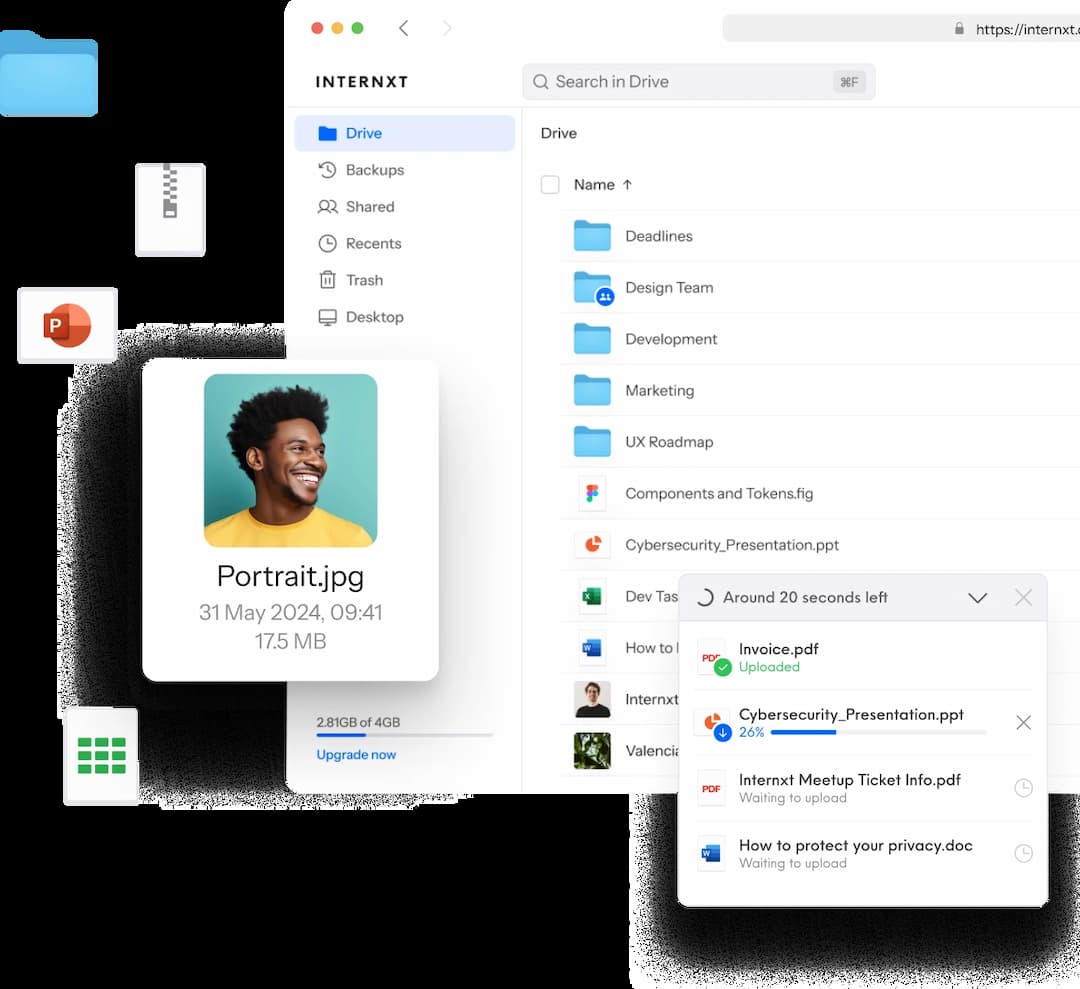
NAS
QNAP & Synology NAS Support
Connect your NAS device to Internxt Drive for secure file storage and backups.
Synology and QNAP
Secure transfers
Encrypted syncing and backups
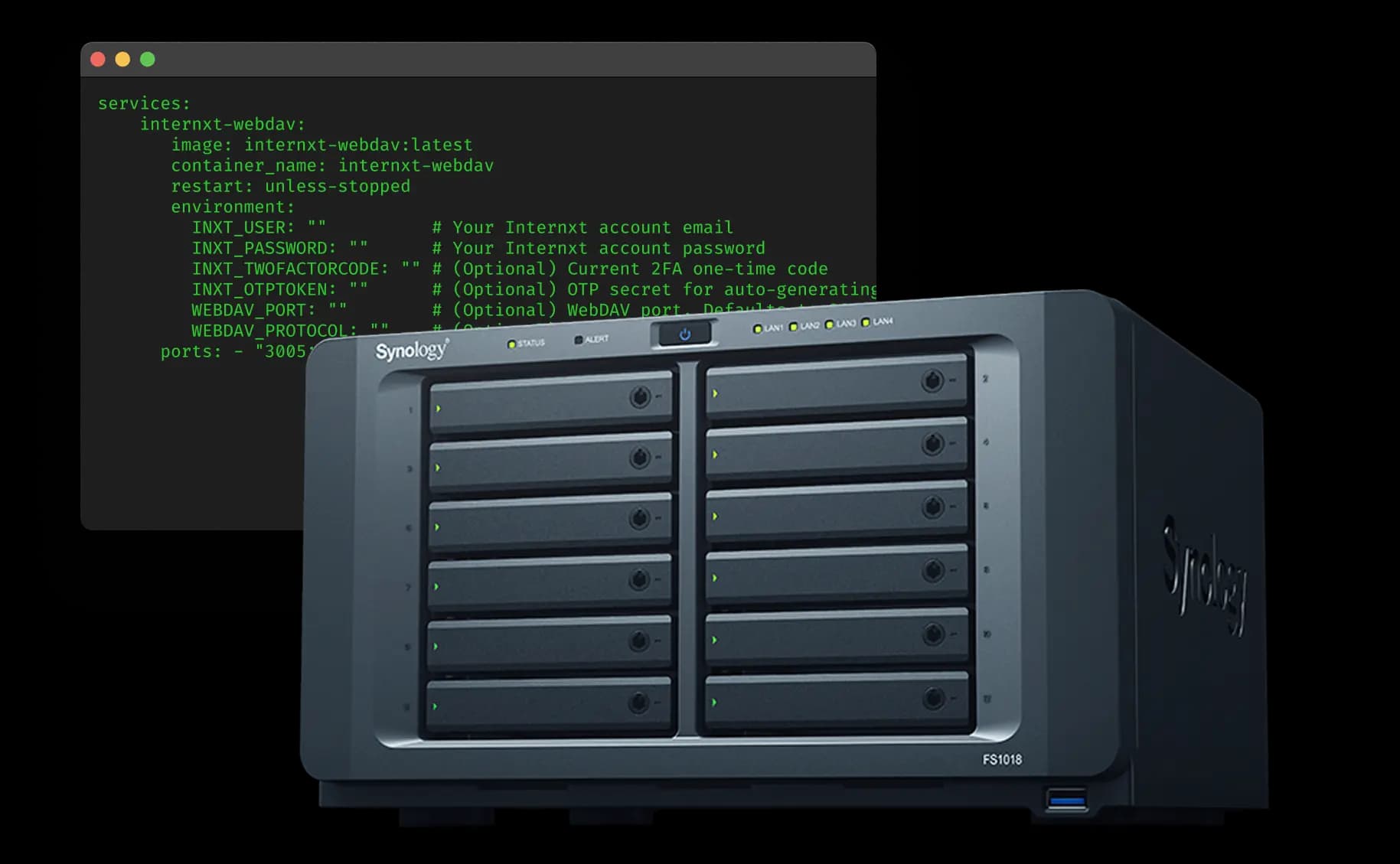
What is a NAS device, and why should I use it?
A NAS (Network Attached Storage) is a dedicated storage system that connects to your home or office network, acting as a personal server for your files. Using it with Internxt lets you back up, sync, and manage data securely while keeping full control and ownership of your files.
Your data is encrypted and secure with Internxt’s post-quantum encryption, and the keys are managed on your device. This offers the convenience of NAS devices with the security and privacy of Internxt Drive.
Internxt NAS integrations
Install the Docker app to connect your NAS to Synology or QNAP. This setup lets you securely access, manage, and sync your files while keeping full control over your data.
Synology
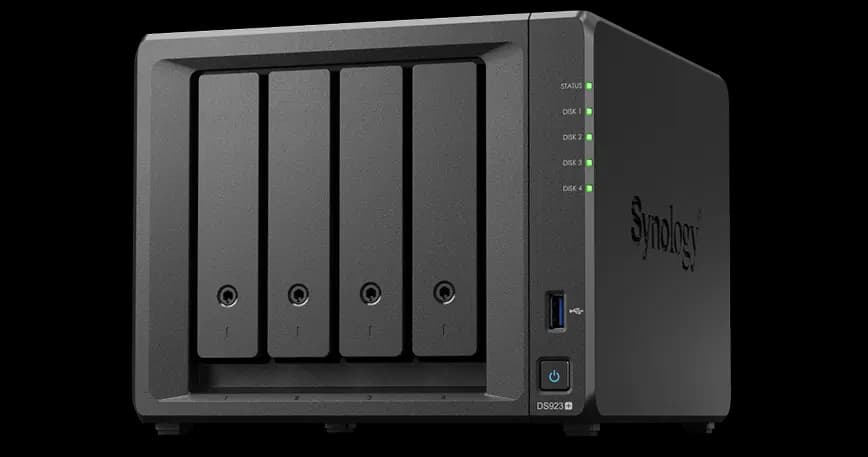
Synology is a popular NAS system that allows you to store, organize, and access your files from multiple devices. You can run apps, manage your backups, and share data securely.
QNAP
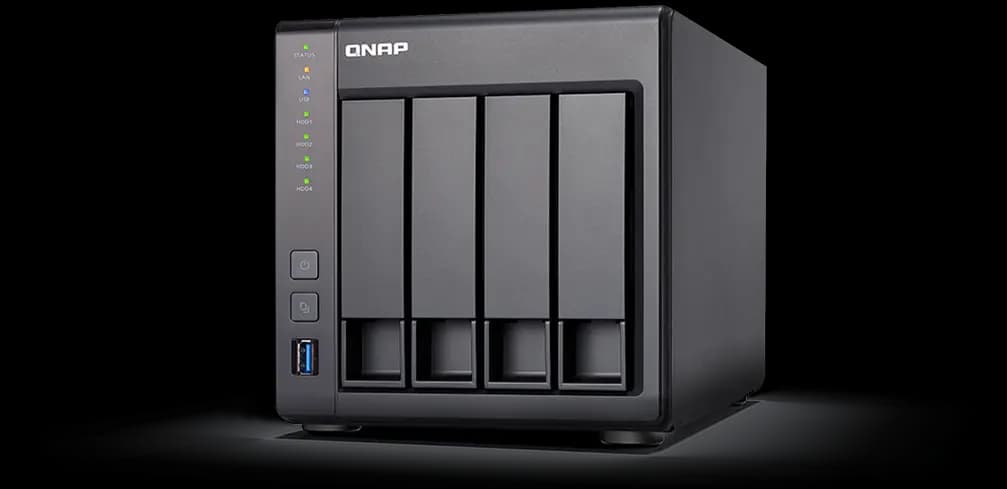
By connecting Internxt via Docker, you can securely manage, sync, and access your files directly on your QNAP NAS.
Internxt Drive for NAS
Keep your files safe, accessible, and private
Backup your NAS in the cloud
Manage, sync, and back up your data in the cloud with Internxt’s NAS support. Thanks to Internxt’s post-quantum encryption, your privacy is always guaranteed.
What Internxt offers with NAS devices
Connect Internxt Drive to your NAS system for a secure cloud solution to backup and sync your files in total privacy.
QNAP & Synology devices
Enjoy all the benefits of Internxt with the flexibility and control of QNAP and Synology devices for effortless cloud storage management.
Access from anywhere
Get secure remote access to your files from anywhere, while giving you full control over your data.
Ransomware protection
Protect your files against ransomware with encrypted backups that let you quickly restore files affected by ransomware or accidental data loss.
How to set up your NAS device with Internxt
Instructions on how to set up and configure your NAS device with Internxt Drive:
1
ReadMeGet the information you need about NAS capabilities with Internxt and usage instructions for different platforms from our GitHub page.
2
User guideLearn how to set up your Network Attached Storage device with Internxt with examples and explanations.
3
Open sourceVerify the security of Internxt and stay updated for new updates and features.
Your files, your control
Manage your NAS with Internxt
Questions? We have answers
Internxt is based in Valencia, Spain. Internxt has numerous European cloud data centers to store your data in line with GDPR and other compliance regulations.
Internxt makes use of a multi-cloud network strategy, ensuring files are stored across multiple European cloud data centers to ensure you get the best performance, security, and protection for your files.
Internxt partners with OVHcloud, who own European cloud data centers and multiple locations across the globe to store your cloud data.
These data center infrastructures host thousands of servers to guarantee availability, performance, and redundancy to ensure quick and secure access to files while keeping your files secure.
Availability zones are a set of one or more data centers located in a region. Each availability zone works independently and has its own power, cooling, and network to prevent power outages or other events such as infrastructure failure.
Zones within a region are linked to provide higher availability and low-latency connections, ensuring applications can stay online even if one zone experiences a failure.
No, nobody, including Internxt, can access your files. All your files and data are encrypted on your device with post-quantum encryption. As the keys are stored and managed on your device and not by us or our service providers, only you or people you choose to share files with can decrypt them.
All files stored in our data centres are encrypted, so no employees or hackers can view their contents.
Can't find what you're looking for? You can contact our technical support team through live chat or by emailing hello@internxt.com
Download Internxt
Get seamless file management and secure cloud storage on the go with the Internxt mobile app for iOS or Android.




Newsletter
Want to hear from us when we launch new products or release a new update? Type your mail address and we’ll do the rest!

Save 80%
Make your privacy play!
30-day money-back guarantee
*Offer is for free accounts or new customers
A lifetime of privacy, one-time payment
End-to-end encrypted cloud storage
Open-source and audited
End-to-end encrypted transfers
No unauthorized access
Win two Internxt x Swiss Peak backpacks
Offer ends February 25
Get an exclusive discount!
Special offer: store files in privacy for less.
30-day money-back guarantee